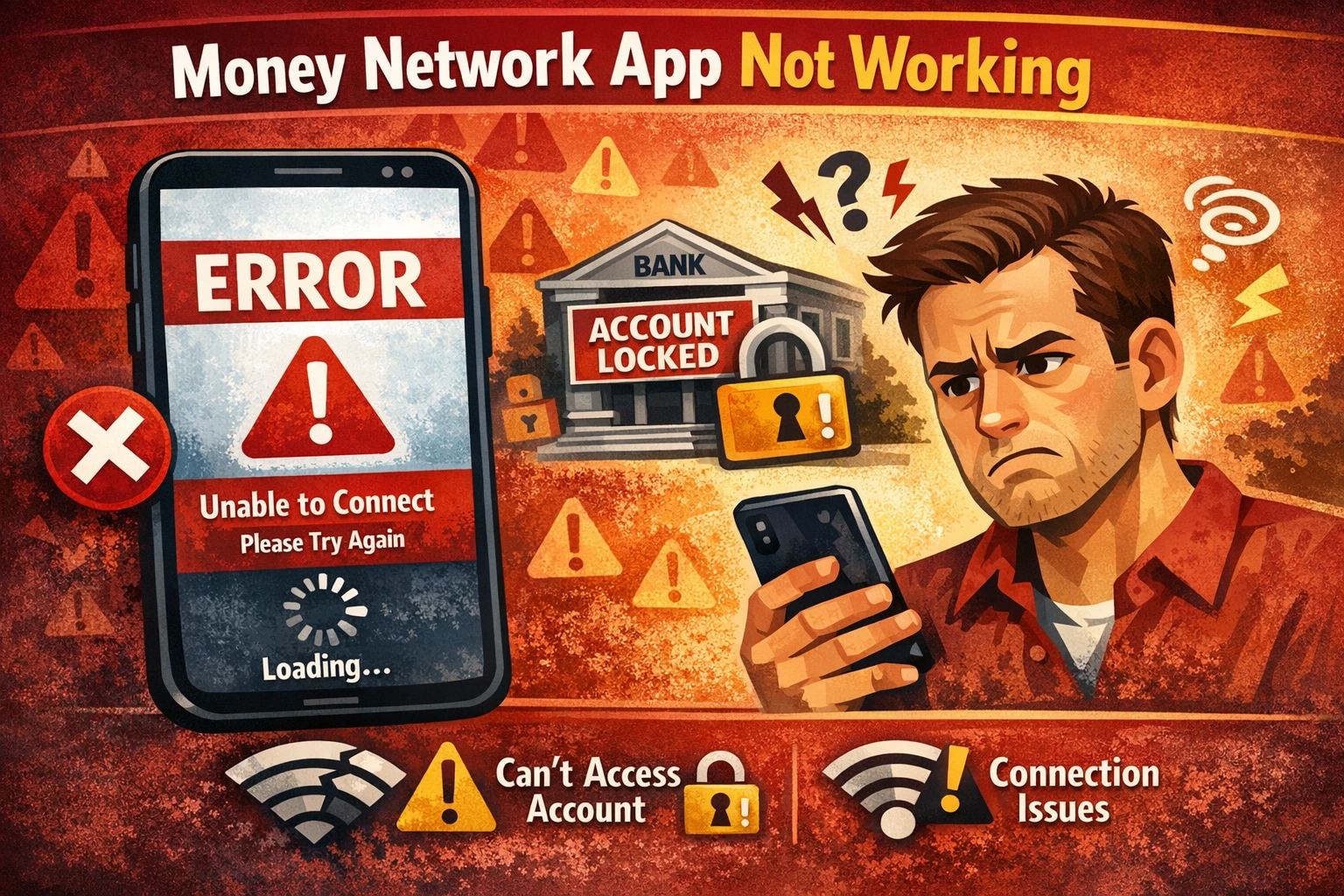
If the Money Network app is not working, you may be unable to log in, view your balance, or access your funds. Many users report getting stuck in login loops, app update errors, or being locked out of their accounts entirely.
This issue can be especially frustrating for people who rely on Money Network prepaid debit cards for government benefits, unemployment payments, or disability income.
Quick Answer: Why the Money Network App Is Not Working
- App update failed or installed incorrectly
- Temporary server or system outage
- Account locked due to security checks
- Device compatibility or app data issues
- Internet connection problems
Most issues are temporary and can often be fixed by updating the app, restarting your device, or trying to log in again later. If your balance or transactions are not showing correctly, see our guide on why bank transactions show as pending.
If you are experiencing similar problems with other financial apps, see our guide on why banking apps stop working for a full breakdown.
Common Money Network App Issues
When the Money Network app is not working, users typically experience one or more of the following problems:
- Login loop that repeatedly asks for credentials
- App update required but unable to complete update
- Blank screen or app not loading properly
- Account locked or access denied message
- Unable to reset password or verify identity
- Balance not showing or transactions missing
Why the Money Network App May Not Be Working
Several factors can cause the app to stop working or prevent account access:
1. App Update Issues
Some users report being locked out after a required app update. If the update fails or installs incorrectly, it can cause login loops or prevent access entirely.
2. Server or System Outages
Temporary outages or backend issues can prevent the app from connecting to your account. This may result in loading errors or missing account information.
3. Security Restrictions
Financial apps may lock accounts or require re-verification if unusual activity is detected. This can block access until identity is confirmed.
4. Device or Compatibility Problems
Older devices, outdated operating systems, or corrupted app data can prevent the app from working correctly.
How to Fix Money Network App Login Problems
If you are locked out or the app is not working, try the following steps:
- Update the app through the App Store or Google Play
- Restart your phone and try logging in again
- Clear the app cache (Android) or reinstall the app
- Try logging in from a different device
- Check your internet connection (WiFi vs mobile data)
Many login issues are temporary. If the app is still not working, it may be related to system processing delays similar to other banking issues explained in our bank processing times guide.
What If You Still Can’t Access Your Account?
If the app continues to fail, you may need to use alternative methods to access your funds:
- Use an ATM to withdraw cash (fees may apply depending on location)
- Attempt to access your account through any available web portal
- Contact the number on the back of your card for support
If your account appears locked or restricted, it may be due to security verification steps similar to those explained in our guide on why bank accounts get locked.
Why This Issue Matters
For many users, the Money Network card is their primary way to access essential funds. When the app is not working, it can prevent people from checking balances, transferring money, or managing daily expenses.
This type of issue has been reported across multiple prepaid and government benefit card systems, especially when mobile apps are required for account access.
According to the Consumer Financial Protection Bureau, disruptions in account access can impact a user’s ability to manage essential financial activity and access funds when needed.
Final Thoughts
If the Money Network app is not working, the issue is often related to updates, system outages, or account security checks. While some problems resolve quickly, others may take time depending on the provider.
If you are unable to log in, focus on alternative access methods and continue checking for updates or system improvements.
Frequently Asked Questions
- Why is the Money Network app not letting me log in? This is often caused by app updates, server outages, or account security checks that temporarily restrict access.
- Is the Money Network app down right now? The app may experience temporary outages or technical issues that prevent users from logging in or viewing account details.
- How do I access my Money Network account without the app? You may be able to withdraw cash at an ATM, use a web portal if available, or contact customer support using the number on your card.
- Why does the app keep asking me to update? Failed or incomplete updates can cause login loops or prevent access until the app is properly reinstalled.
