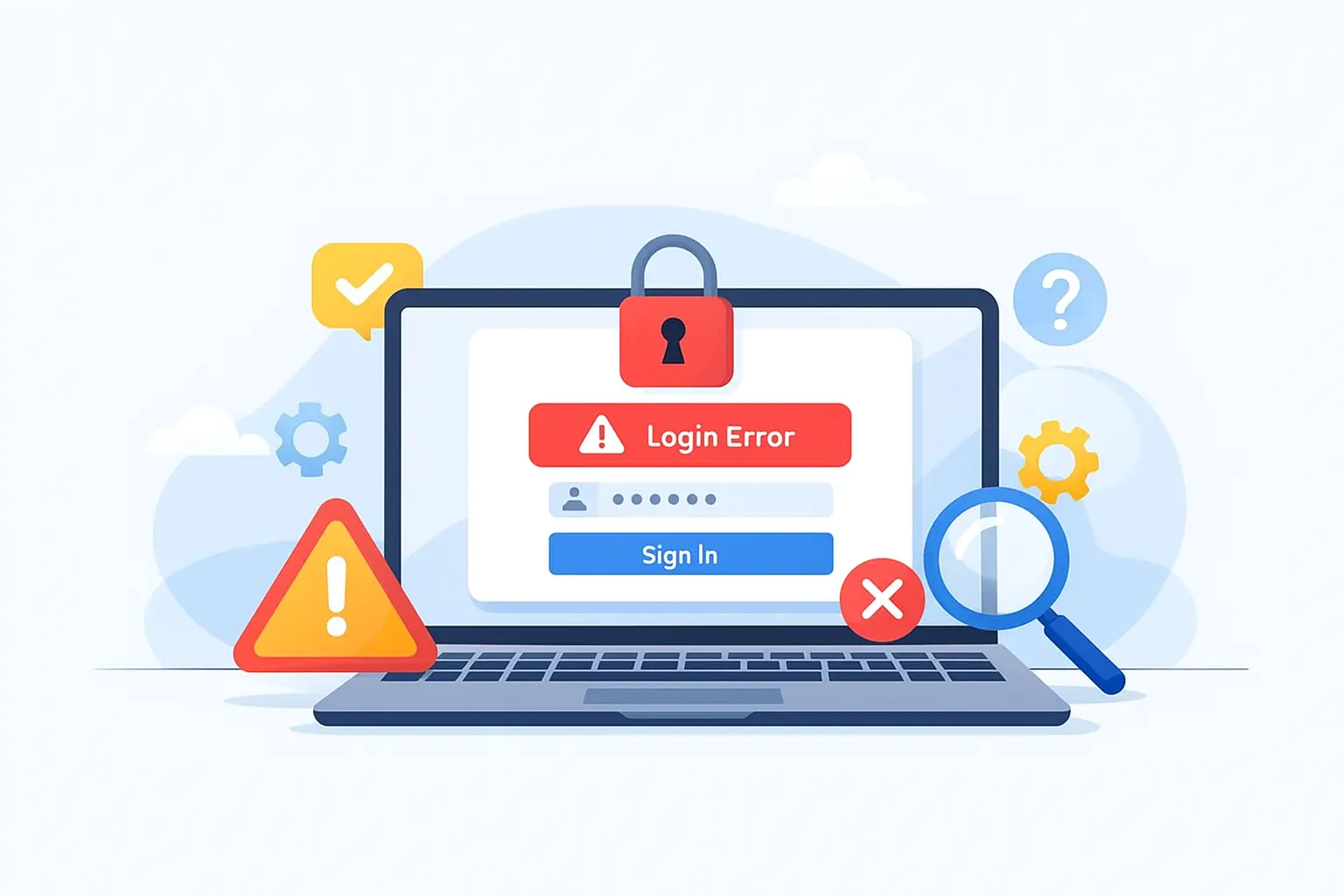
How to fix online banking login errors
1. Reset your password
Use your bank’s official password reset tool.
2. Clear browser cache and cookies
Clearing cached data removes outdated login information.
3. Update your banking app or browser
Older versions may lose compatibility with bank systems.
4. Disable VPNs or private browsing
Some banks block masked IP addresses.
5. Try a different device or network
This helps determine if the issue is device-specific.
Common Questions About Banking Login Errors
Why can’t I log into my bank account?
This is usually caused by incorrect credentials, session timeouts, or security checks.
Why does my bank keep rejecting my login?
Your bank may block login attempts due to security triggers.
Is my bank account locked?
Your account may be temporarily locked after repeated failed login attempts.
Common online banking login problems
Incorrect username or password
Typing errors, outdated saved passwords, or recently changed credentials are the most common reasons login attempts fail.
Account locked for security reasons
Banks may temporarily lock access after multiple failed login attempts or unusual activity.
Browser or app-related issues
Outdated browsers, corrupted cache files, or expired app versions can prevent login.
If your app will not open at all, check banking apps not loading properly.
If the app closes during sign-in, review banking app crashing during login.
How to fix online banking login errors
1. Reset your password
Use your bank’s official password reset tool.
2. Clear browser cache and cookies
Clearing cached data removes outdated login information.
3. Update your banking app or browser
Older versions may lose compatibility with bank systems.
4. Disable VPNs or private browsing
Some banks block masked IP addresses.
5. Try a different device or network
This helps determine if the issue is device-specific.
Common Questions About Banking Login Errors
Why can’t I log into my bank account?
This is usually caused by incorrect credentials, session timeouts, or security checks.
Why does my bank keep rejecting my login?
Your bank may block login attempts due to security triggers.
Is my bank account locked?
Your account may be temporarily locked after repeated failed login attempts.
Quick answer: Most online banking login errors are caused by incorrect credentials, security locks, session timeouts, browser issues, or outdated apps. In many cases, access can be restored by resetting your password, clearing cached data, or updating your device.
Online banking login problems are common and are usually triggered by built-in security systems designed to protect your account. This guide explains the most common login issues and the safest, most reliable ways to fix them.
If you are completely unable to access your account, you may be dealing with trouble logging into your bank account rather than a simple error.
If your banking app is not working beyond login errors, you may need help fixing broader banking app problems.
Common online banking login problems
Incorrect username or password
Typing errors, outdated saved passwords, or recently changed credentials are the most common reasons login attempts fail.
Account locked for security reasons
Banks may temporarily lock access after multiple failed login attempts or unusual activity.
Browser or app-related issues
Outdated browsers, corrupted cache files, or expired app versions can prevent login.
If your app will not open at all, check banking apps not loading properly.
If the app closes during sign-in, review banking app crashing during login.
How to fix online banking login errors
1. Reset your password
Use your bank’s official password reset tool.
2. Clear browser cache and cookies
Clearing cached data removes outdated login information.
3. Update your banking app or browser
Older versions may lose compatibility with bank systems.
4. Disable VPNs or private browsing
Some banks block masked IP addresses.
5. Try a different device or network
This helps determine if the issue is device-specific.
Common Questions About Banking Login Errors
Why can’t I log into my bank account?
This is usually caused by incorrect credentials, session timeouts, or security checks.
Why does my bank keep rejecting my login?
Your bank may block login attempts due to security triggers.
Is my bank account locked?
Your account may be temporarily locked after repeated failed login attempts.
Common online banking login problems
Incorrect username or password
Typing errors, outdated saved passwords, or recently changed credentials are the most common reasons login attempts fail.
Account locked for security reasons
Banks may temporarily lock access after multiple failed login attempts or unusual activity.
Browser or app-related issues
Outdated browsers, corrupted cache files, or expired app versions can prevent login.
If your app will not open at all, check banking apps not loading properly.
If the app closes during sign-in, review banking app crashing during login.
How to fix online banking login errors
1. Reset your password
Use your bank’s official password reset tool.
2. Clear browser cache and cookies
Clearing cached data removes outdated login information.
3. Update your banking app or browser
Older versions may lose compatibility with bank systems.
4. Disable VPNs or private browsing
Some banks block masked IP addresses.
5. Try a different device or network
This helps determine if the issue is device-specific.
Common Questions About Banking Login Errors
Why can’t I log into my bank account?
This is usually caused by incorrect credentials, session timeouts, or security checks.
Why does my bank keep rejecting my login?
Your bank may block login attempts due to security triggers.
Is my bank account locked?
Your account may be temporarily locked after repeated failed login attempts.
Quick answer: Most online banking login errors are caused by incorrect credentials, security locks, session timeouts, browser issues, or outdated apps. In many cases, access can be restored by resetting your password, clearing cached data, or updating your device.
Online banking login problems are common and are usually triggered by built-in security systems designed to protect your account. This guide explains the most common login issues and the safest, most reliable ways to fix them.
If you are completely unable to access your account, you may be dealing with trouble logging into your bank account rather than a simple error.
If your banking app is not working beyond login errors, you may need help fixing broader banking app problems.
Common online banking login problems
Incorrect username or password
Typing errors, outdated saved passwords, or recently changed credentials are the most common reasons login attempts fail.
Account locked for security reasons
Banks may temporarily lock access after multiple failed login attempts or unusual activity.
Browser or app-related issues
Outdated browsers, corrupted cache files, or expired app versions can prevent login.
If your app will not open at all, check banking apps not loading properly.
If the app closes during sign-in, review banking app crashing during login.
How to fix online banking login errors
1. Reset your password
Use your bank’s official password reset tool.
2. Clear browser cache and cookies
Clearing cached data removes outdated login information.
3. Update your banking app or browser
Older versions may lose compatibility with bank systems.
4. Disable VPNs or private browsing
Some banks block masked IP addresses.
5. Try a different device or network
This helps determine if the issue is device-specific.
Common Questions About Banking Login Errors
Why can’t I log into my bank account?
This is usually caused by incorrect credentials, session timeouts, or security checks.
Why does my bank keep rejecting my login?
Your bank may block login attempts due to security triggers.
Is my bank account locked?
Your account may be temporarily locked after repeated failed login attempts.
