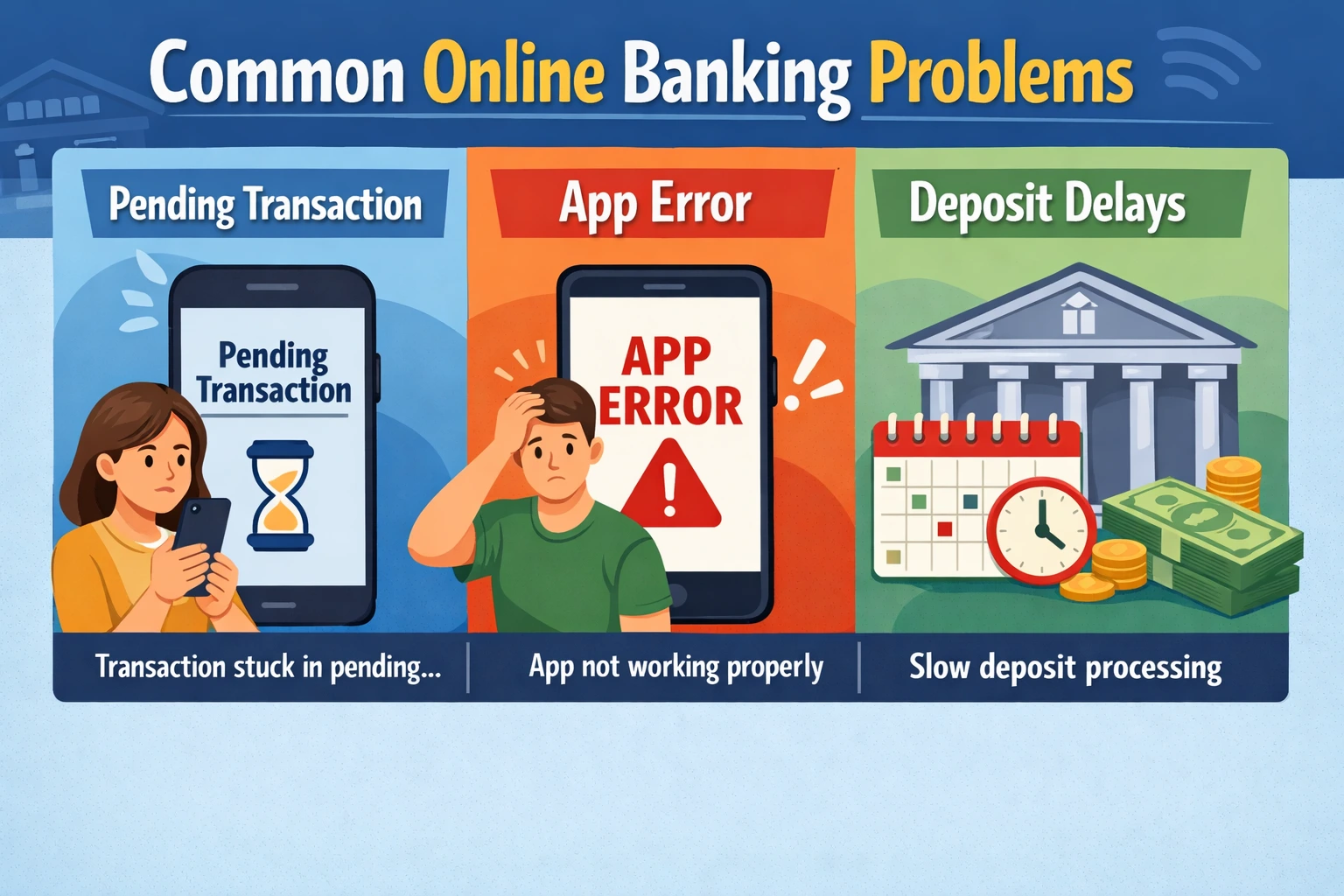
Quick answer: Most online banking problems happen because transactions are still processing, your bank is verifying activity, your app or browser is not connecting properly, or the bank’s system is temporarily unavailable. Common issues include pending transfers, delayed deposits, app errors, login problems, balance delays, and account restrictions.
Most online banking issues are temporary. Some clear within minutes, while others may take a few hours or several business days depending on the type of problem, the bank’s processing schedule, and whether extra verification is required.
This guide explains the most common online banking problems, why they happen, what you can do first, and when it makes sense to contact your bank.
How to Quickly Identify the Online Banking Problem
The fastest way to troubleshoot an online banking issue is to identify whether the problem is related to your device, your login, a transaction, or the bank itself.
- Bank app will not load: Usually a device, app, internet, or outage issue.
- Login will not work: Usually a password, security, session, or account access issue.
- Transfer is pending: Usually a normal processing, cutoff time, weekend, or review delay.
- Deposit is not available: Usually a funds availability, bank hold, or verification issue.
- Balance looks wrong: Usually pending transactions, delayed posting, or temporary balance updates.
- Account is restricted: Usually a security, fraud prevention, or account review issue.
Most Common Online Banking Problems
Online banking problems usually fall into a few main categories. Knowing which category your issue fits into can help you avoid the wrong fix.
- Banking app not loading, crashing, or freezing
- Online banking login not working
- Pending transactions that will not clear
- Bank transfers taking longer than expected
- Deposits showing but funds not being available
- Available balance and current balance not matching
- Direct deposit delays
- Debit card or payment problems
- Bank account locked, frozen, or restricted
- Bank website or mobile app outages
Why Online Banking Problems Happen
Online banking can feel instant, but many banking systems still rely on processing windows, fraud checks, batch updates, third-party networks, and internal review systems. That means an action you take in your app may not fully complete right away.
For example, a transfer may show as pending before it posts, a check deposit may appear before the funds are available, and a balance may not update until the bank finishes its next processing cycle.
For a deeper overview, see what online banking is and how it works.
Online Banking App Problems
If your bank app is not working, the problem may not be your account. Banking apps can stop loading because of weak internet, outdated app versions, device storage issues, cached data, VPN conflicts, or temporary bank outages.
What to try first
- Close and reopen the app.
- Switch between Wi-Fi and mobile data.
- Check for an app update.
- Restart your phone.
- Try logging in from the bank’s website.
- Check whether other users are reporting an outage.
If the app will not open or keeps failing, see what to do when your bank app is not working or why a bank app may not be loading.
Online Banking Login Problems
Login problems often happen because of incorrect credentials, expired sessions, multi-factor authentication prompts, locked accounts, browser issues, or suspicious login activity. Banks may temporarily block access if they detect unusual behavior.
What to try first
- Confirm that your username and password are correct.
- Complete any security code or identity prompt.
- Turn off VPN or private relay tools temporarily.
- Try a different browser or device.
- Clear your browser cache if the website keeps looping.
- Use the bank’s official password reset option if needed.
If you cannot access your account, start with why your bank login may not be working.
Pending Transaction Problems
A pending transaction means the bank knows about the transaction, but it has not fully posted yet. This is common with debit card purchases, ACH transfers, bill payments, deposits, and transfers between accounts.
Pending transactions can take longer because of weekends, holidays, merchant processing, bank cutoff times, fraud screening, or ACH batch processing. Avoid sending duplicate payments unless your bank confirms the first one failed.
For more detail, see why bank transactions stay pending.
Bank Transfer Problems
Bank transfers are one of the most common sources of confusion because they may appear instant in the app while still depending on scheduled processing behind the scenes.
A transfer may be delayed because it was submitted after the cutoff time, sent over a weekend, flagged for review, routed through ACH, or held for verification by one of the banks involved.
Common transfer issues
- Transfer stuck in pending status
- Money removed from one account but not showing in the other
- External transfer taking several business days
- Transfer delayed after a weekend or holiday
- Transfer under review for security reasons
For a full timeline breakdown, read how long bank transfers usually take.
Deposit and Funds Availability Problems
A deposit may show in your account before the money is fully available to spend. This is especially common with check deposits, mobile check deposits, large deposits, new accounts, or deposits that need extra verification.
Banks may place a temporary hold while they confirm the deposit is valid and collectable. During that time, your current balance may look different from your available balance.
For more help, see why a check deposit may show but funds are not available and how bank holds work.
Balance Not Updating or Balance Looks Wrong
If your online banking balance looks wrong, it does not always mean money is missing. In many cases, the issue is caused by pending transactions, temporary authorizations, delayed posting, or a difference between current balance and available balance.
Why balances may not match
- Debit card purchases are still pending.
- A deposit is visible but not available yet.
- A merchant placed a temporary authorization hold.
- An ACH transfer has started but not fully posted.
- The bank has not completed its overnight processing cycle.
If the issue involves money you can see but cannot use, read available balance vs current balance.
Direct Deposit Problems
Direct deposit problems usually happen because the deposit has not been released by the sender, the bank has not processed it yet, the deposit arrived after a cutoff time, or a holiday changed the normal schedule.
Most direct deposits post automatically once the bank receives and processes the payment file. If your direct deposit is late, check whether your employer, benefits provider, or payer has already sent it.
For a more specific breakdown, see why direct deposit may be late.
Account Locked, Frozen, or Restricted
Account access problems are more serious than normal app or transaction delays. A bank may lock, freeze, or restrict an account when it detects unusual activity, failed login attempts, identity concerns, returned payments, suspected fraud, or a need for additional verification.
If your account is restricted, avoid guessing or repeatedly trying random fixes. Contact the bank through its official phone number, secure message center, or branch support channel.
For more detail, read why bank accounts get locked or restricted.
When to Wait, When to Troubleshoot, and When to Contact the Bank
Not every online banking problem needs the same response. Some issues require patience, some require basic troubleshooting, and some require direct bank support.
Wait if:
- A transfer was just submitted.
- A transaction is still pending.
- A deposit was made recently.
- The issue started outside normal business hours.
- The delay involves a weekend or bank holiday.
Troubleshoot if:
- The app will not open.
- The website is not loading on your device.
- You can log in on one device but not another.
- The issue started after an app or phone update.
- Your internet connection is unstable.
Contact your bank if:
- Your account is locked, frozen, or restricted.
- You see suspicious or unauthorized activity.
- A deposit exceeds the bank’s normal hold period.
- A transfer is missing or delayed longer than expected.
- You cannot access your money and need a clear explanation.
Online Banking Problem Checklist
Before contacting your bank, gather the basic details that can help support identify the issue faster.
- Date and time the problem started
- Transaction amount, if applicable
- Whether the issue happens in the app, website, or both
- Any error message or code shown
- Whether the problem affects only one account or multiple accounts
- Whether your card, transfers, deposits, or login access are affected
Do not share passwords, full account numbers, one-time passcodes, or debit card PINs with anyone who contacts you unexpectedly.
What Most People Get Wrong About Online Banking Problems
Many people assume online banking problems mean the bank made a mistake. Sometimes that is true, but many issues are normal results of processing schedules, security checks, holds, and pending transaction rules.
The key is knowing the difference between a normal delay and a real access problem. A pending transaction or delayed deposit may only require time. A locked account, suspicious charge, or missing transfer usually deserves direct bank support.
How to Reduce Online Banking Problems in the Future
- Keep your banking app updated.
- Use a secure internet connection when logging in.
- Set up account alerts for deposits, withdrawals, and low balances.
- Submit transfers before the bank’s cutoff time when possible.
- Avoid making duplicate payments while one is still pending.
- Keep your phone number and email updated with your bank.
- Review pending and posted transactions separately.
- Use strong passwords and multi-factor authentication.
Frequently Asked Questions About Online Banking Problems
Why is my online banking not working?
Online banking may not work because of an app issue, internet problem, browser conflict, bank outage, login error, or temporary account security review. Try a different device or connection to see whether the issue is with your device or the bank’s system.
Why is my bank app not loading?
A bank app may not load because of weak internet, an outdated app, cached data, device storage problems, VPN conflicts, or a temporary bank outage. Updating the app, restarting your phone, or switching connections may fix the issue.
Why is my bank transfer still pending?
A bank transfer may stay pending because it is waiting for the next processing cycle, was sent after the cutoff time, involves ACH processing, or needs security review. Weekends and holidays can also extend transfer timelines.
Why is my deposit showing but not available?
A deposit can show in your account before the funds are available because the bank is still verifying the deposit. This is common with check deposits, mobile deposits, large deposits, and deposits into newer accounts.
Why does my available balance look lower than my current balance?
Your available balance may be lower than your current balance because some money is still tied up in pending transactions, holds, or deposits that have not fully cleared. The available balance is usually the amount the bank currently lets you use.
Should I contact my bank if online banking is not working?
Contact your bank if your account is locked, you see suspicious activity, a transfer or deposit is delayed longer than expected, or you cannot access your money. If the problem is only the app or website, try basic troubleshooting first.
Bottom Line
Most online banking problems are caused by normal processing delays, temporary app issues, security checks, deposit holds, or system updates. The right solution depends on the type of issue.
If the problem involves a pending transaction, deposit hold, or delayed transfer, waiting for the next processing cycle may be normal. If the issue involves account access, suspicious activity, or a restriction, contact your bank directly through an official support channel.