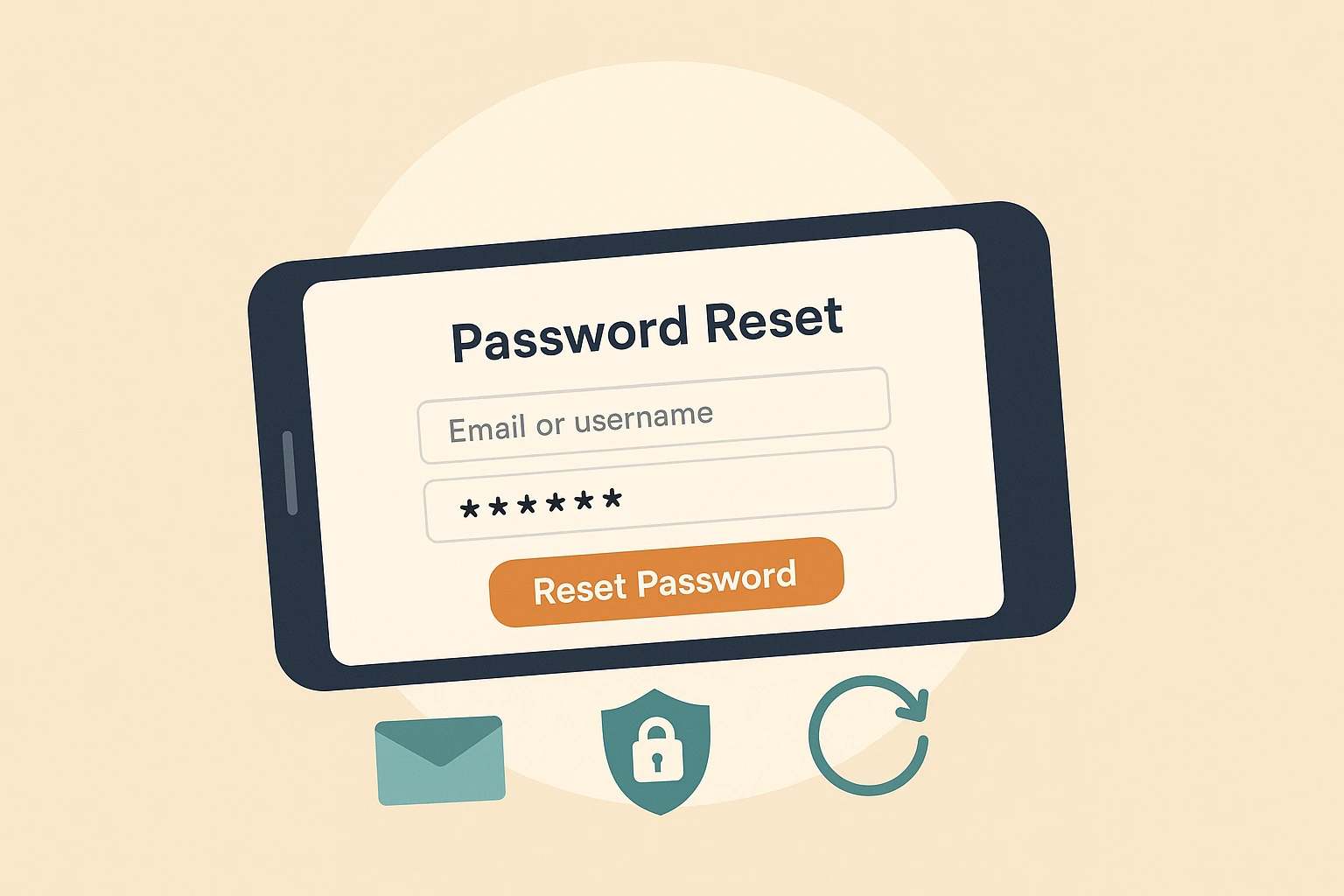
Quick answer: You can reset your U.S. Bank password by selecting Forgot Password on the login page, verifying your identity with a code, and creating a new password. Most resets take just a few minutes if your contact information is up to date.
If you can’t log in to U.S. Bank online banking because you forgot your password, this guide shows you how to reset it quickly. It also covers how to recover your username, unlock your account, and fix common U.S. Bank login issues.
How to reset your U.S. Bank password
- Go to the U.S. Bank login page
- Select Forgot ID? or Forgot Password?
- Choose Password
- Enter your username or account details
- Verify your identity using text, email, or phone verification
- Create a new password
If the reset process does not work, try using a different browser or device to complete the request.
If you forgot your U.S. Bank username
You can recover your username by selecting Forgot ID? on the login page. You will need your registered email address, phone number, or account information to verify your identity.
How to unlock a locked U.S. Bank account
- Select Forgot Password on the login page
- Complete identity verification
- Reset your password if prompted
- Sign in again using your updated credentials
If your account remains locked, U.S. Bank may require additional identity verification by phone or in a branch.
Why your U.S. Bank password reset may not work
- Verification code not received
- Outdated phone number or email on file
- Incorrect account details entered
- Account temporarily locked after failed attempts
- Browser cache or cookies interfering
- VPN or private browsing blocking verification
See: How to fix common online banking login errors
Tips for a successful password reset
- Make sure your phone and email are up to date
- Check spam or junk folders for verification emails
- Disable VPN or private browsing temporarily
- Clear cache and cookies before retrying
- Restart the mobile app before another attempt
Related U.S. Bank guides
- U.S. Bank login help
- Fix U.S. Bank app issues
- U.S. Bank deposit limits
- U.S. Bank transfer pending guide
- Find your U.S. Bank routing number
For more troubleshooting help, visit our U.S. Bank online banking help hub.
